

UX Lead

01
UX Awareness
My goal as a UX Lead at Precise has been to make UX understandable and accessible to not only everyone at Precise but also to our customers.
Problem Statement
Precise’s customers had been noticing their lack of UX. They’d had a contract UX designer for a few months, but had no full time and permanent UX designers and no one leading how UX would be incorporated into projects across Precise.
The Goal
Create a UX process for Precise, raise awareness of UX across the company and with external customers, and build the UX team in Precise by hiring new designers and cross training current employees.
Tools
To help bring awareness to UX both internally and externally, I hosted Brownbag presentations, presented about UX processes to clients, created a UX/UI website with links to templates, checklists, and FAQs, wrote wording for proposals, and created UX case studies to illustrate the processes.
My Role
As Precise’s new UX Lead and sole UX designer, it is my role to make UX accessible and understandable to employees and external clients while actively leading UX design on mulitple projects, hiring and mentoring new UX staff, creating a UX process for the company, and help with wording on proposals.
UX Brownbag
In February of 2023, I hosted a Brownbag to introduce the steps of UX in a fun and interactive way to all employees at Precise. The presentation received a lot of positive feedback and we’ve referred to it several times as a good starting point for understanding UX.

UX Brownbag Video
UX/UI Intranet Website
As a part of making UX accessible to all Precise employees, I worked with a developer to stand up an intranet site that explained what UX is, including making some diagrams, and contained links to UX resources I’d created for the company.
Being a UX designer, I, of course, made a high fidelity wireframe of the intranet site in Figma before sharing the assets and wireframe with the developer.
The finished website
UX Templates & Checklists
To help teams use UX on their projects, I created UX assets such as templates and checklists. These are linked to from the UX intranet page for all employees and to designers and teams in a Precise UX-UI folder.

The 7 checklist cards
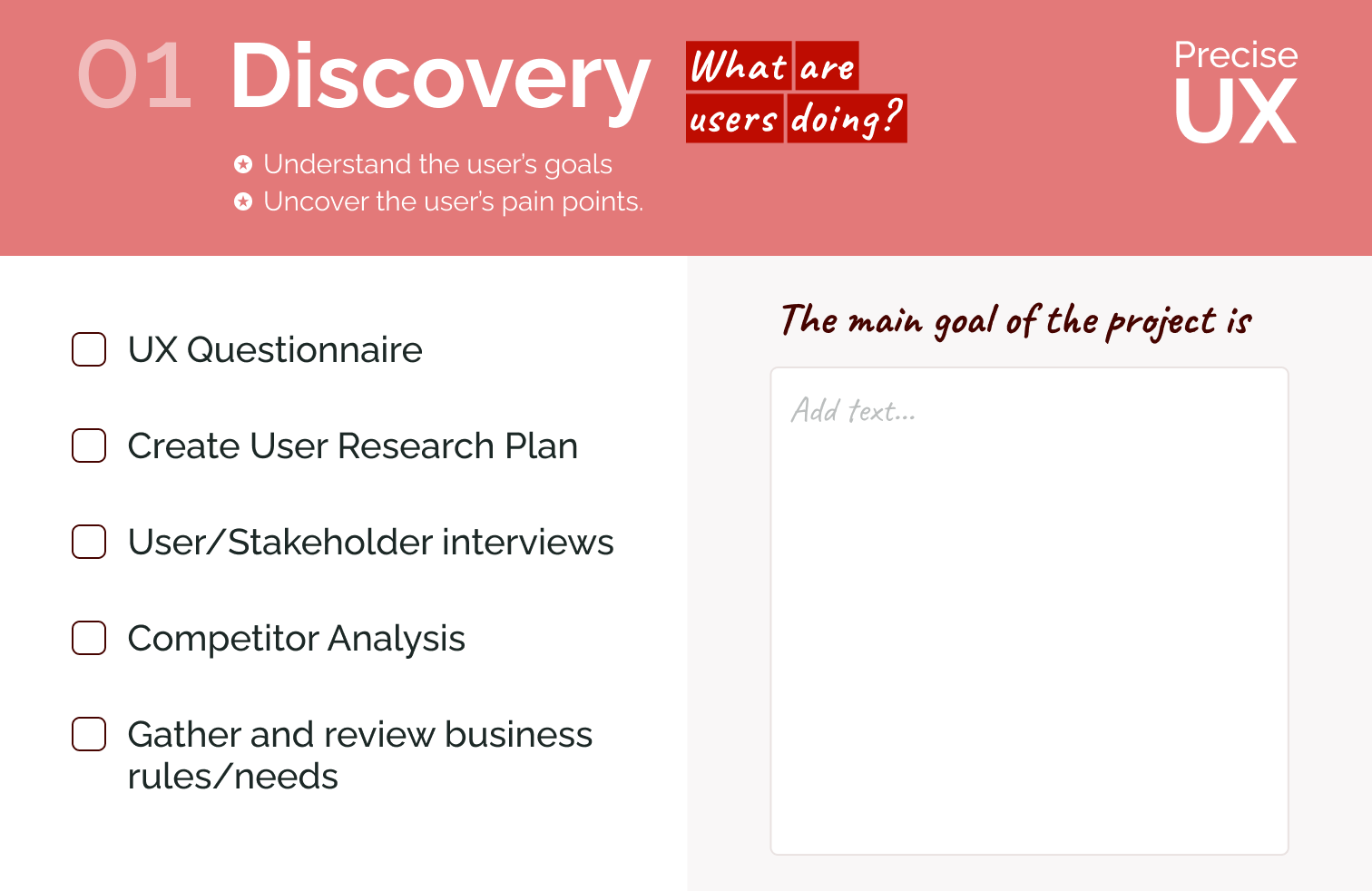
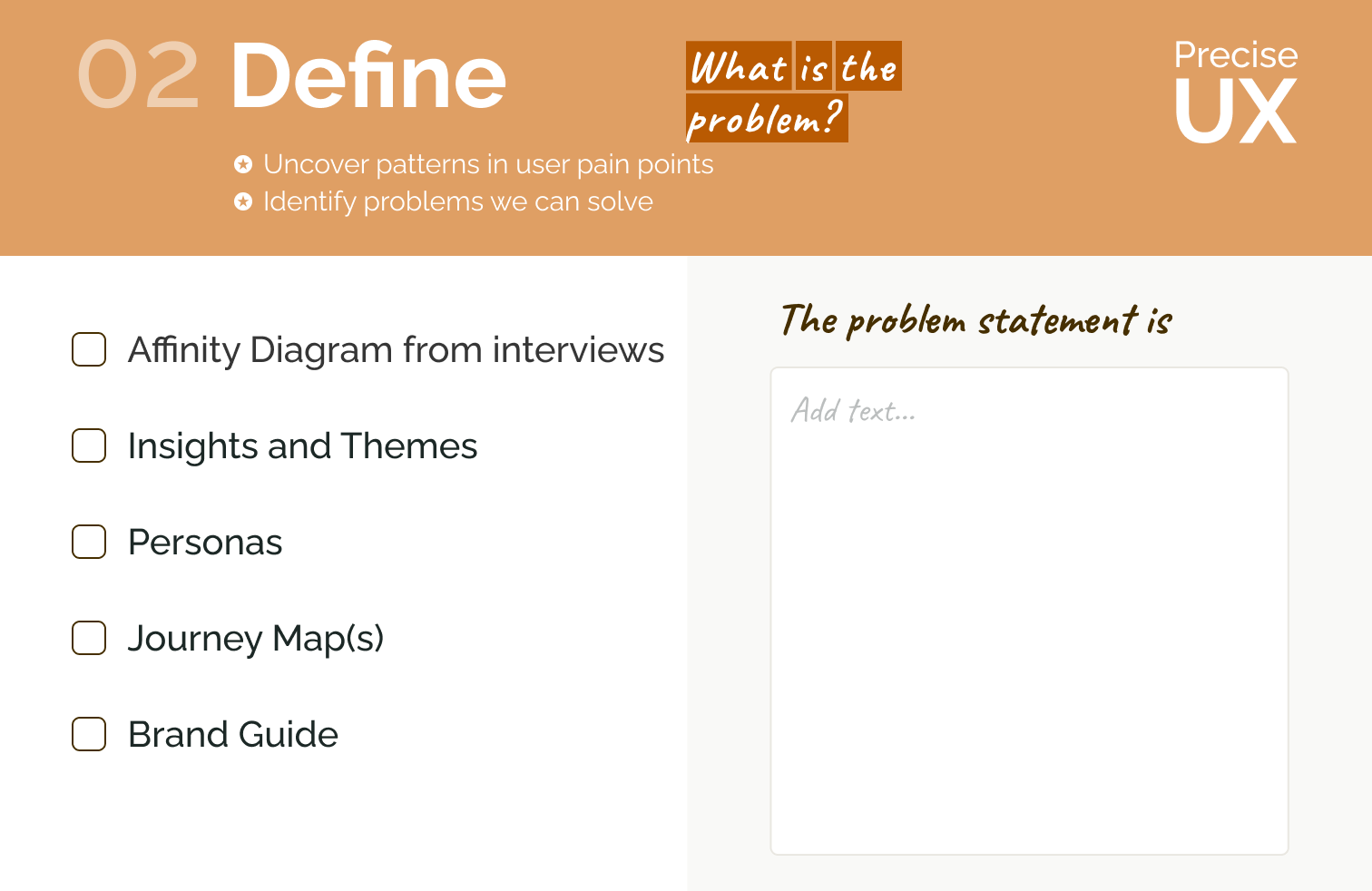
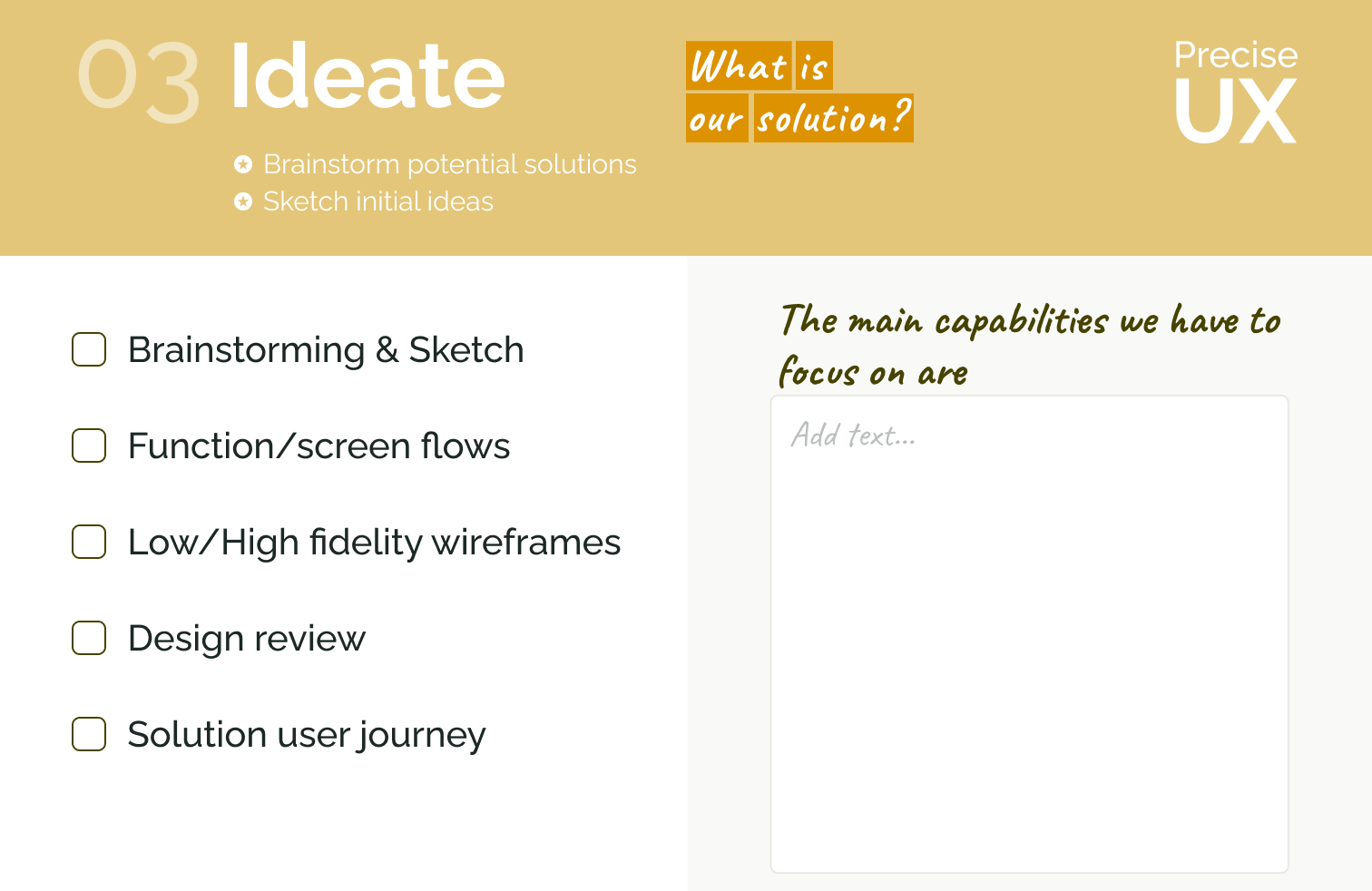
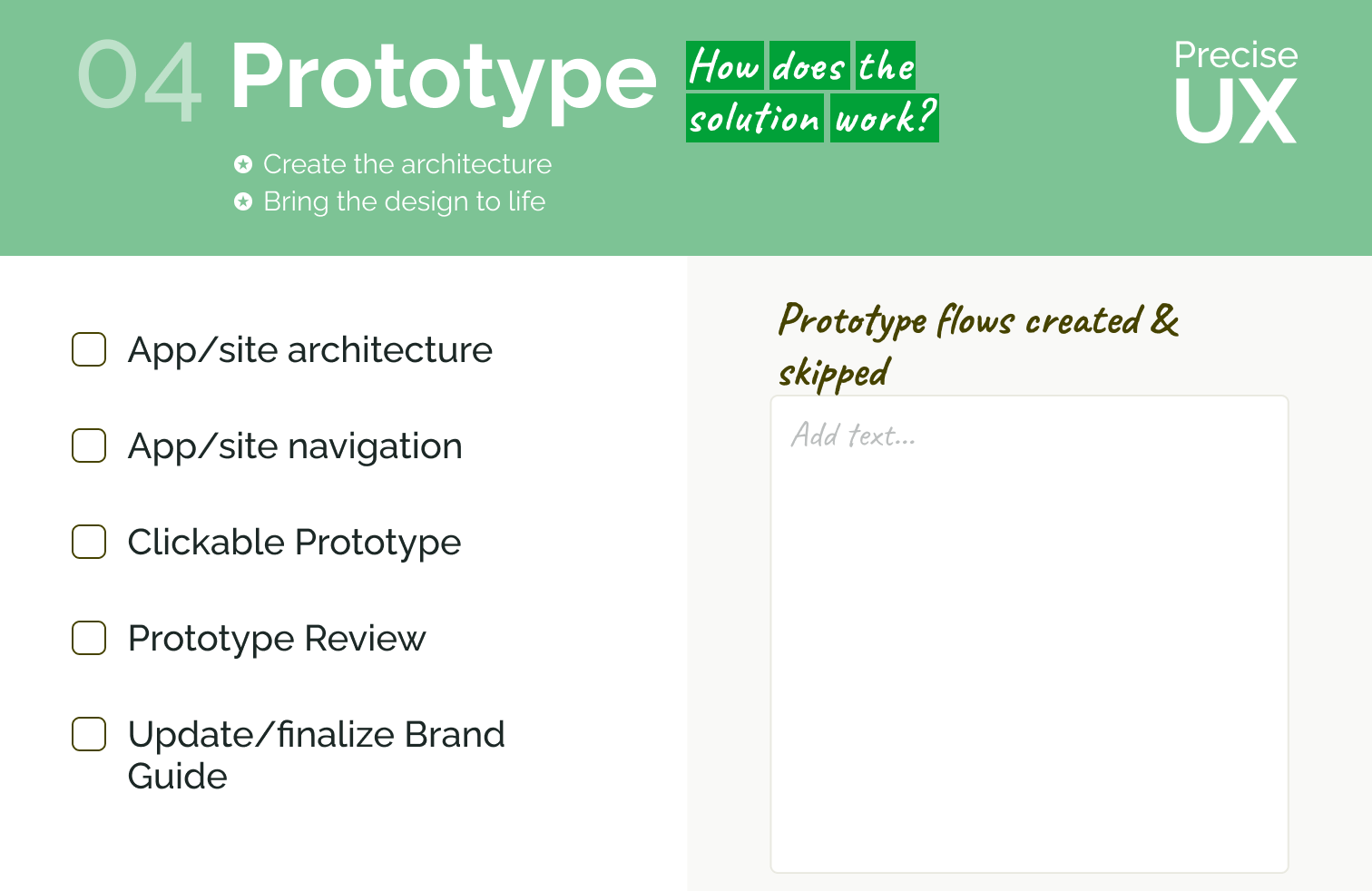
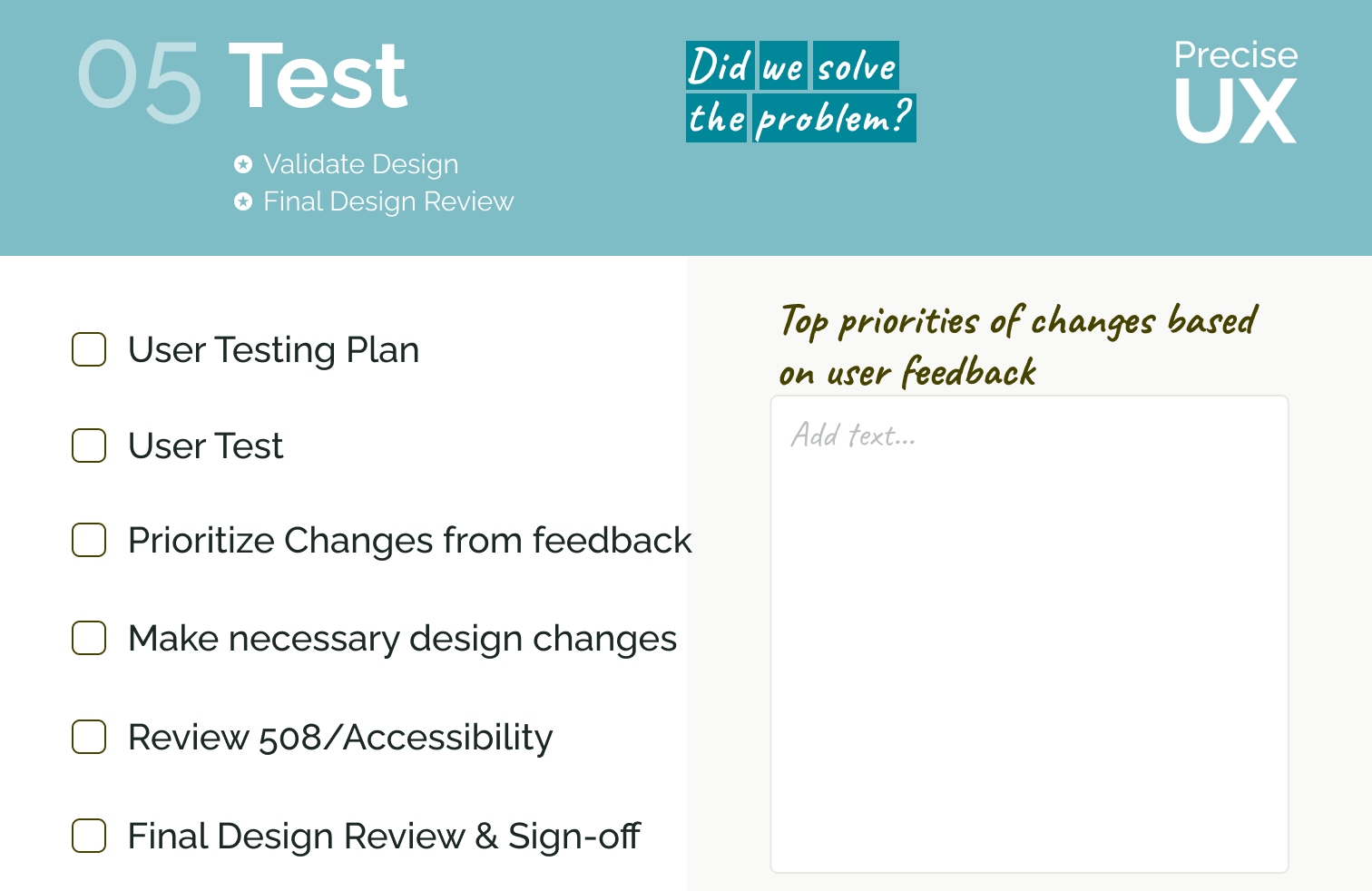
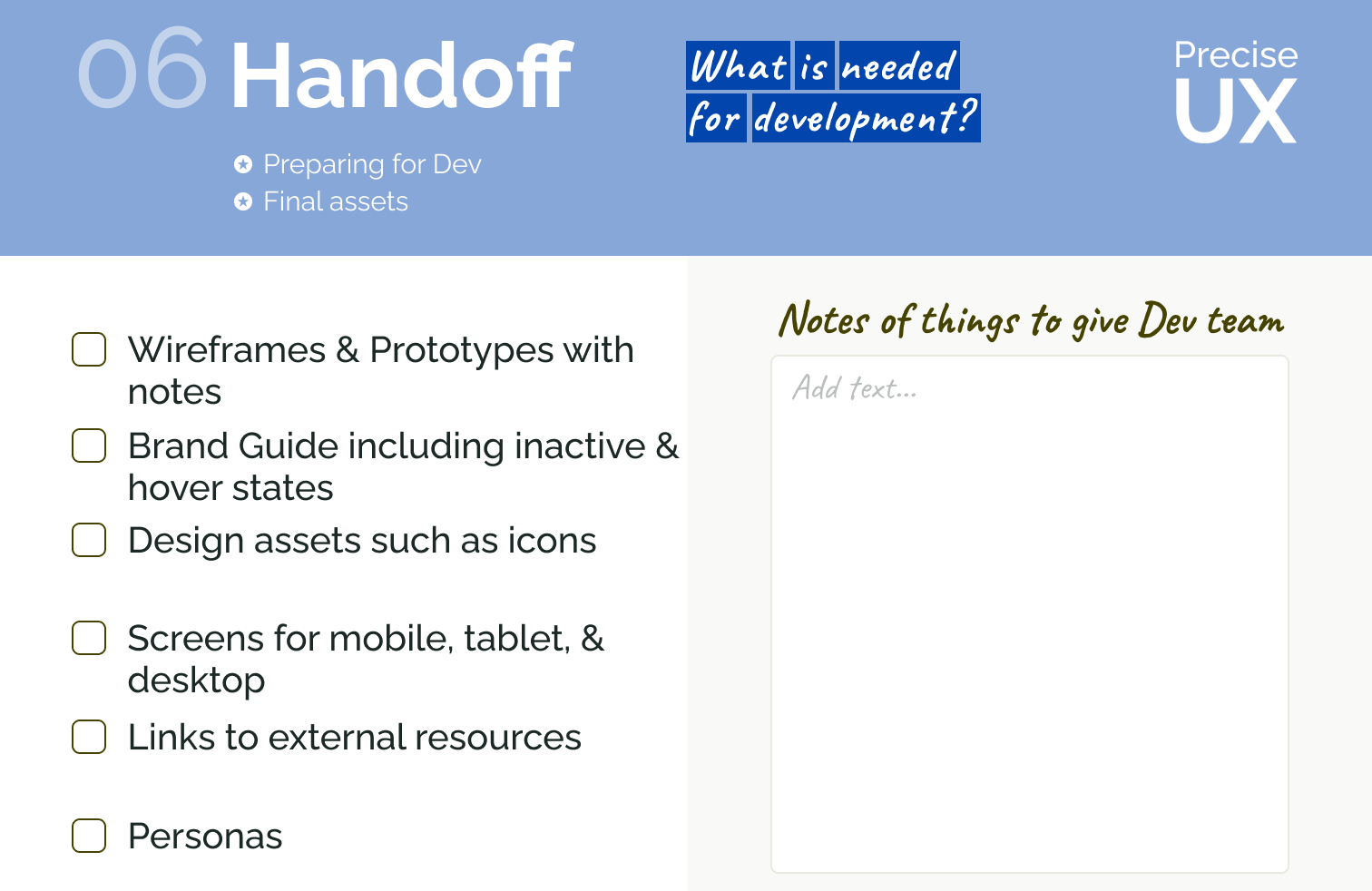
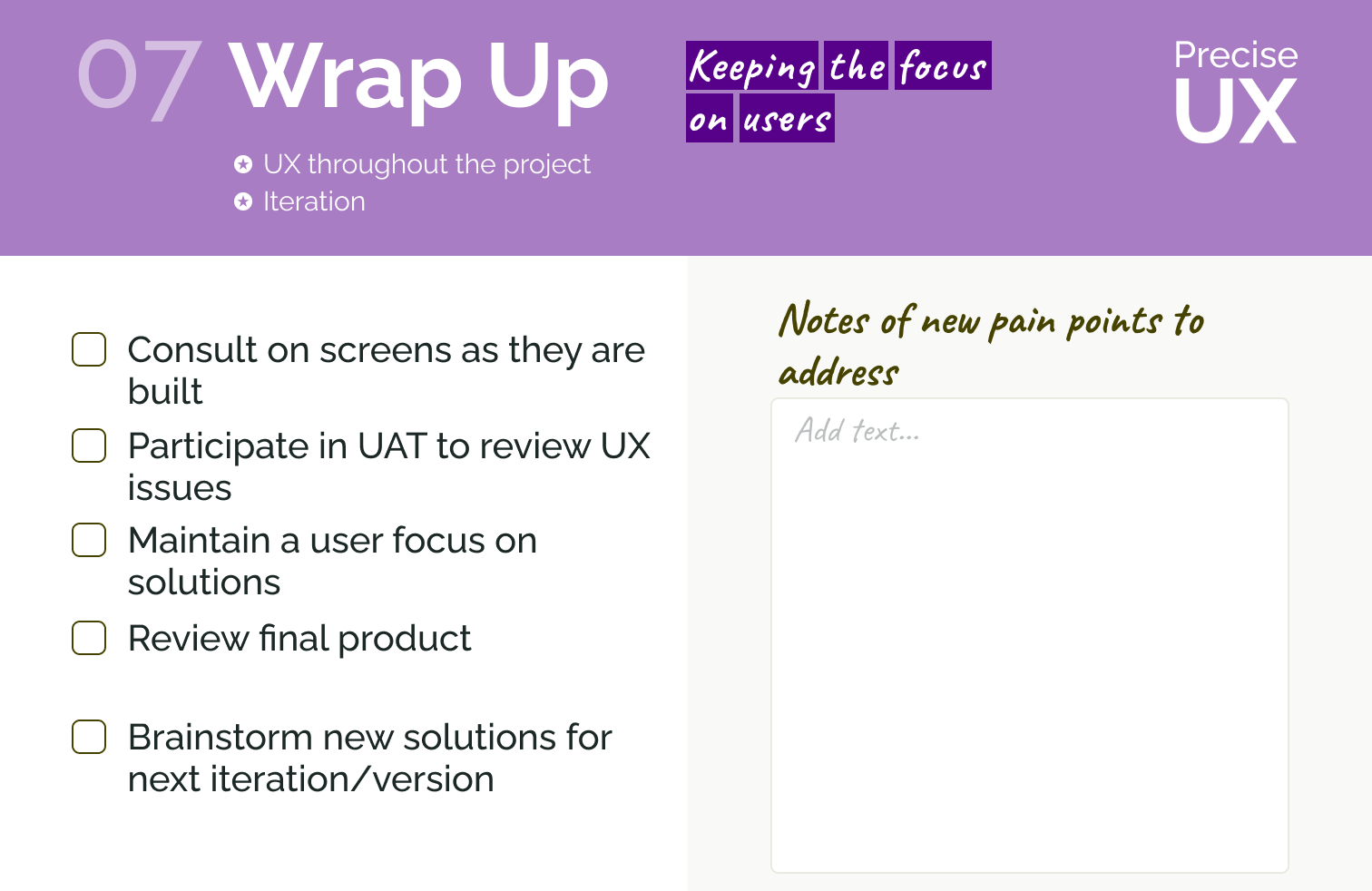
Close up of each checklist card
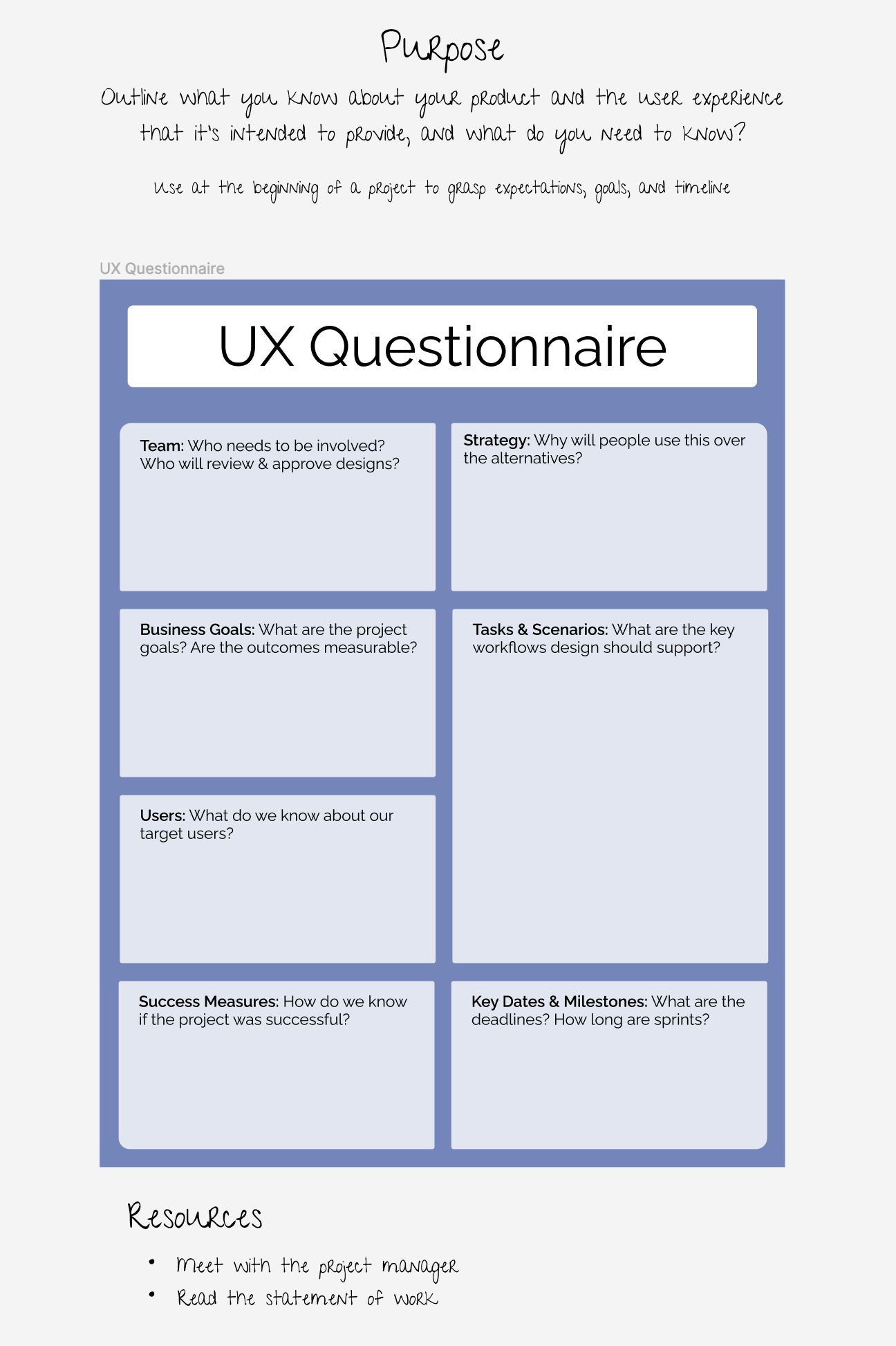
Example of other UX templates
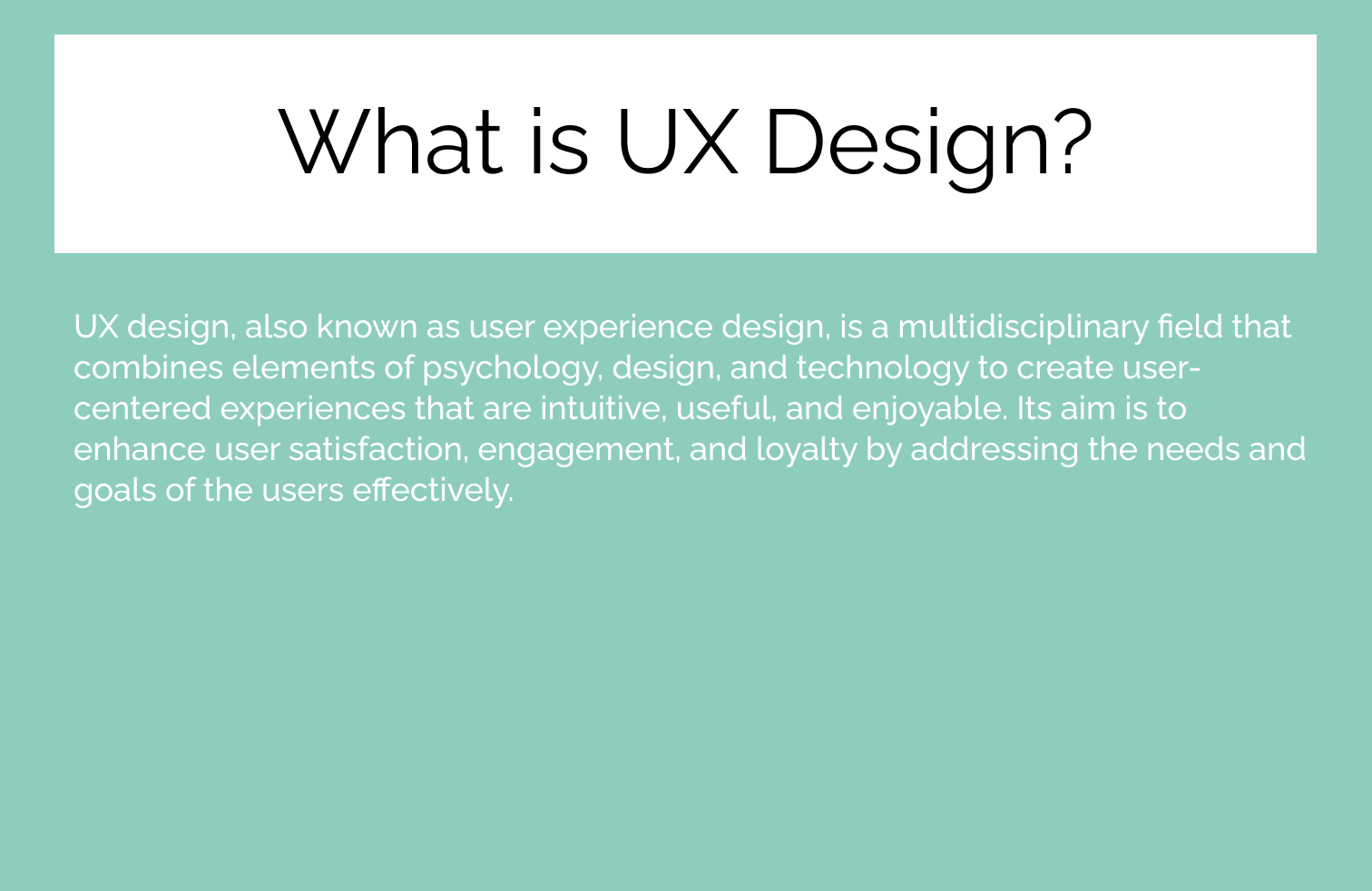
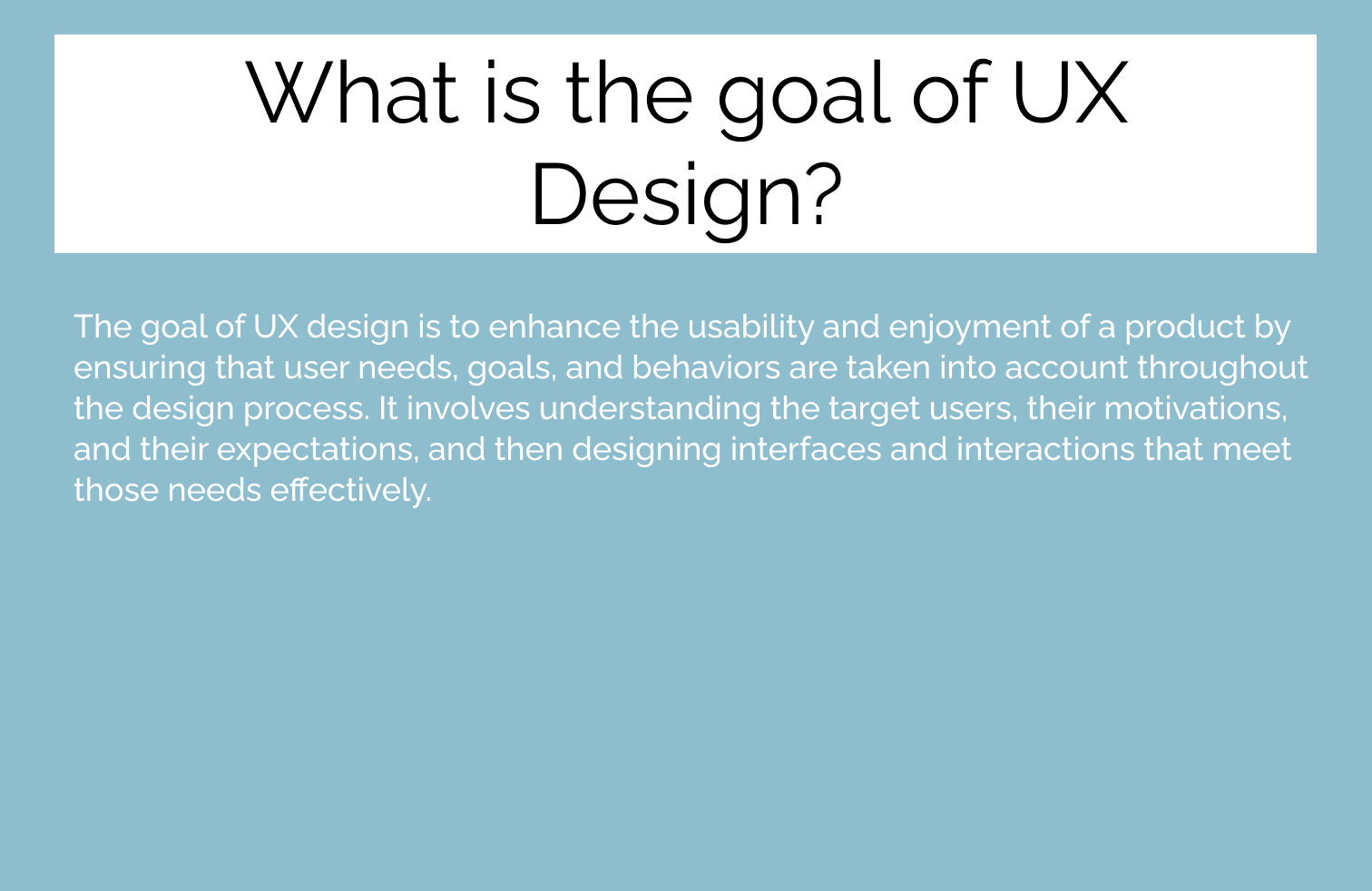
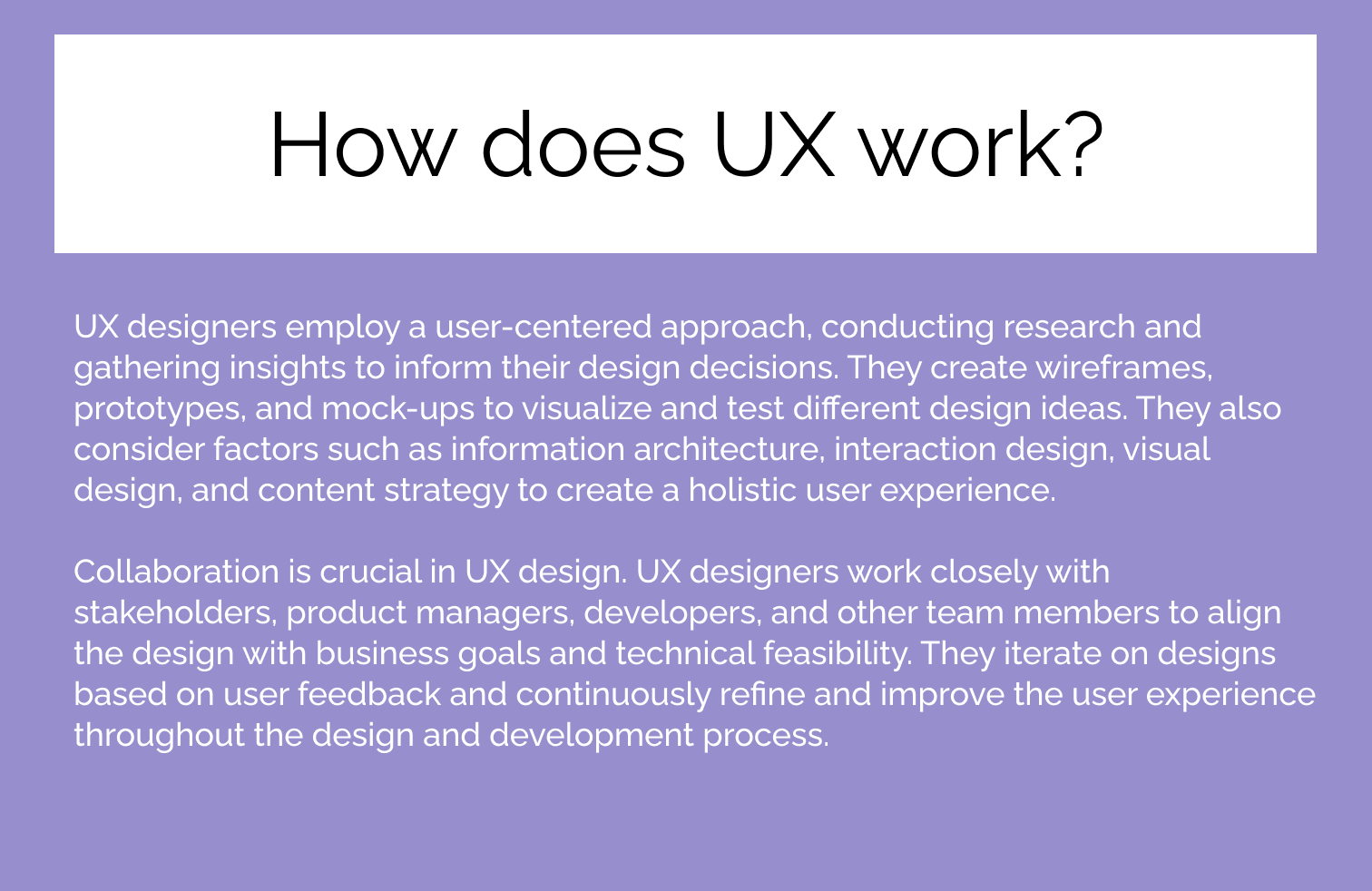
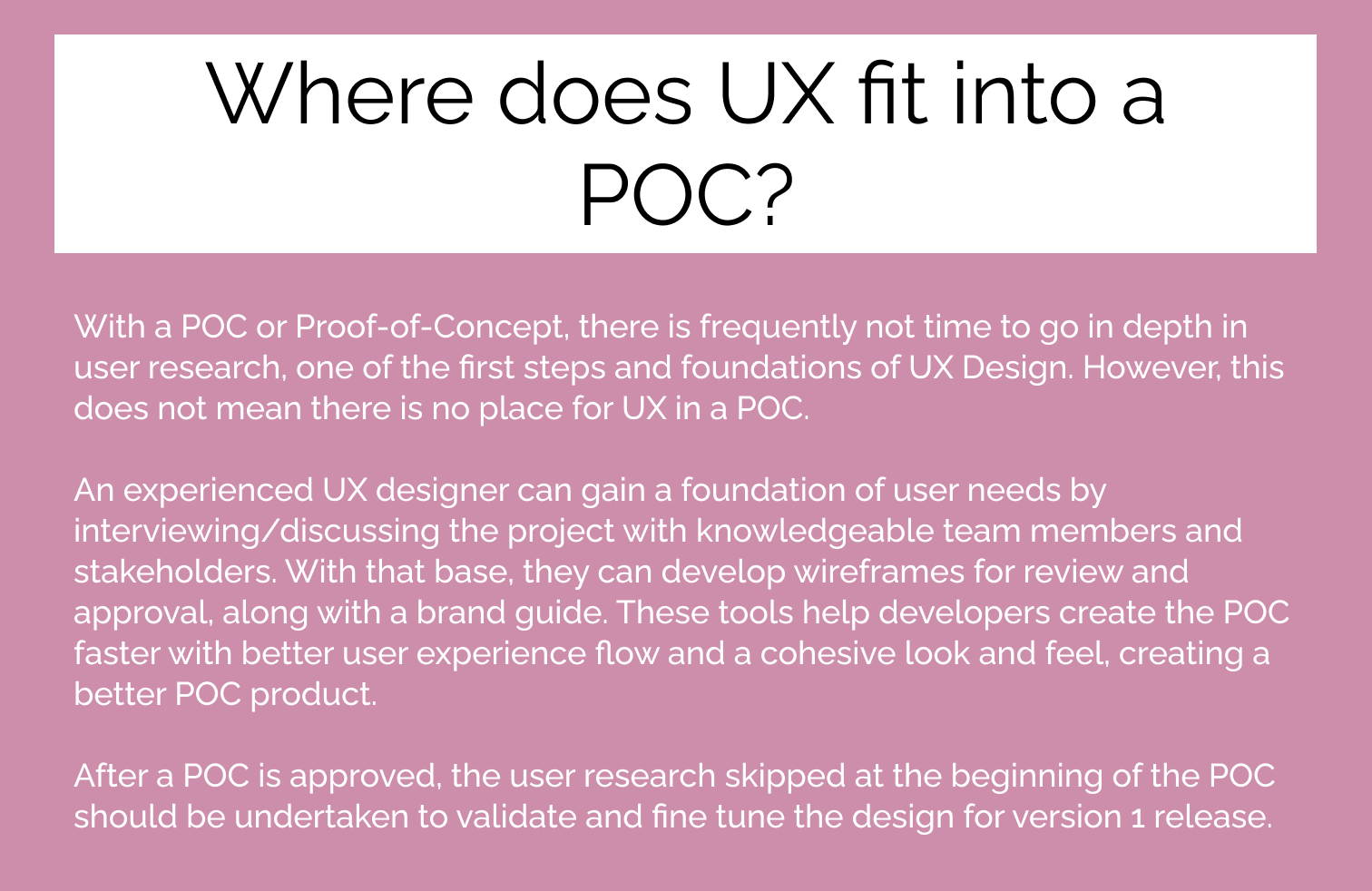
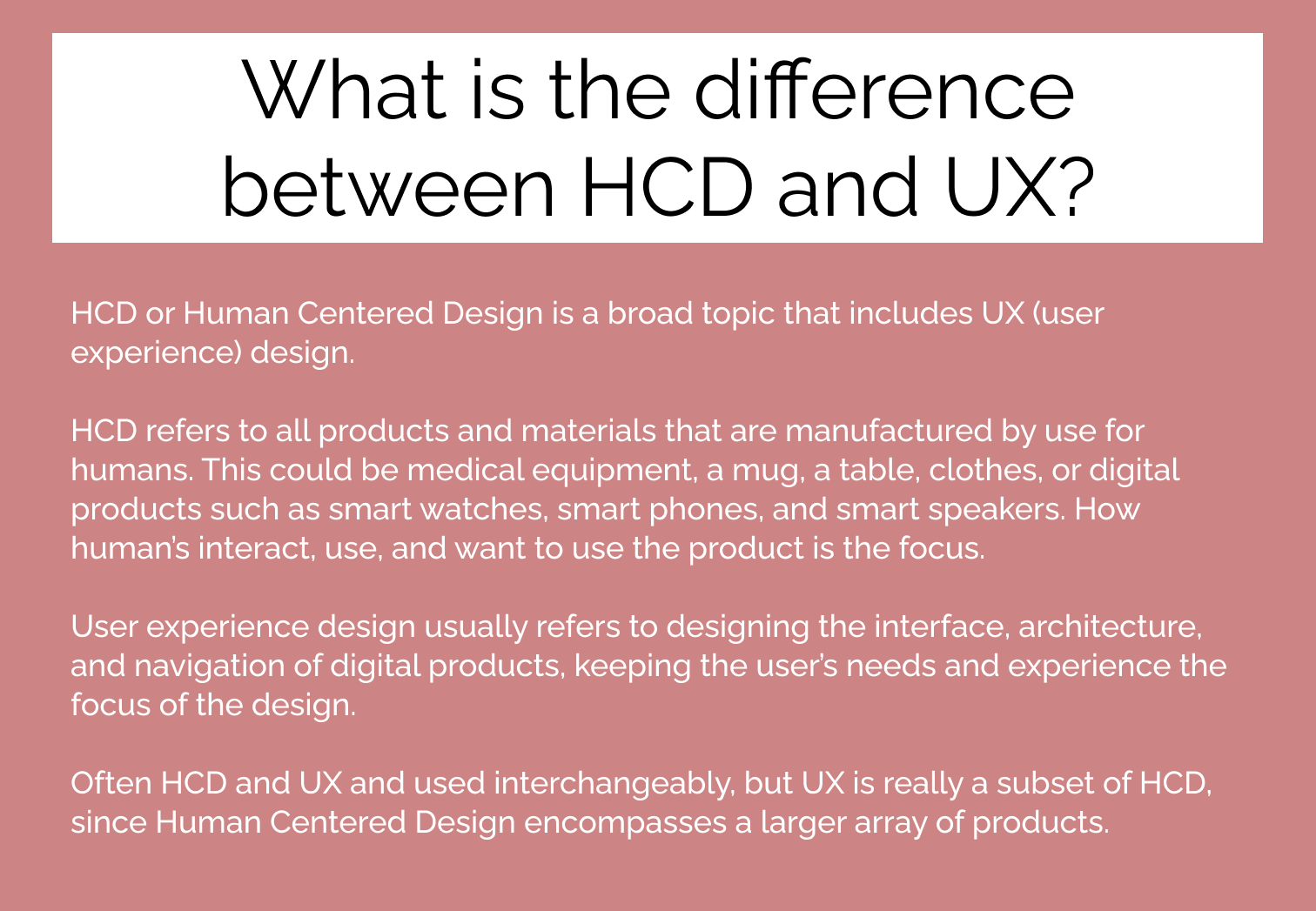
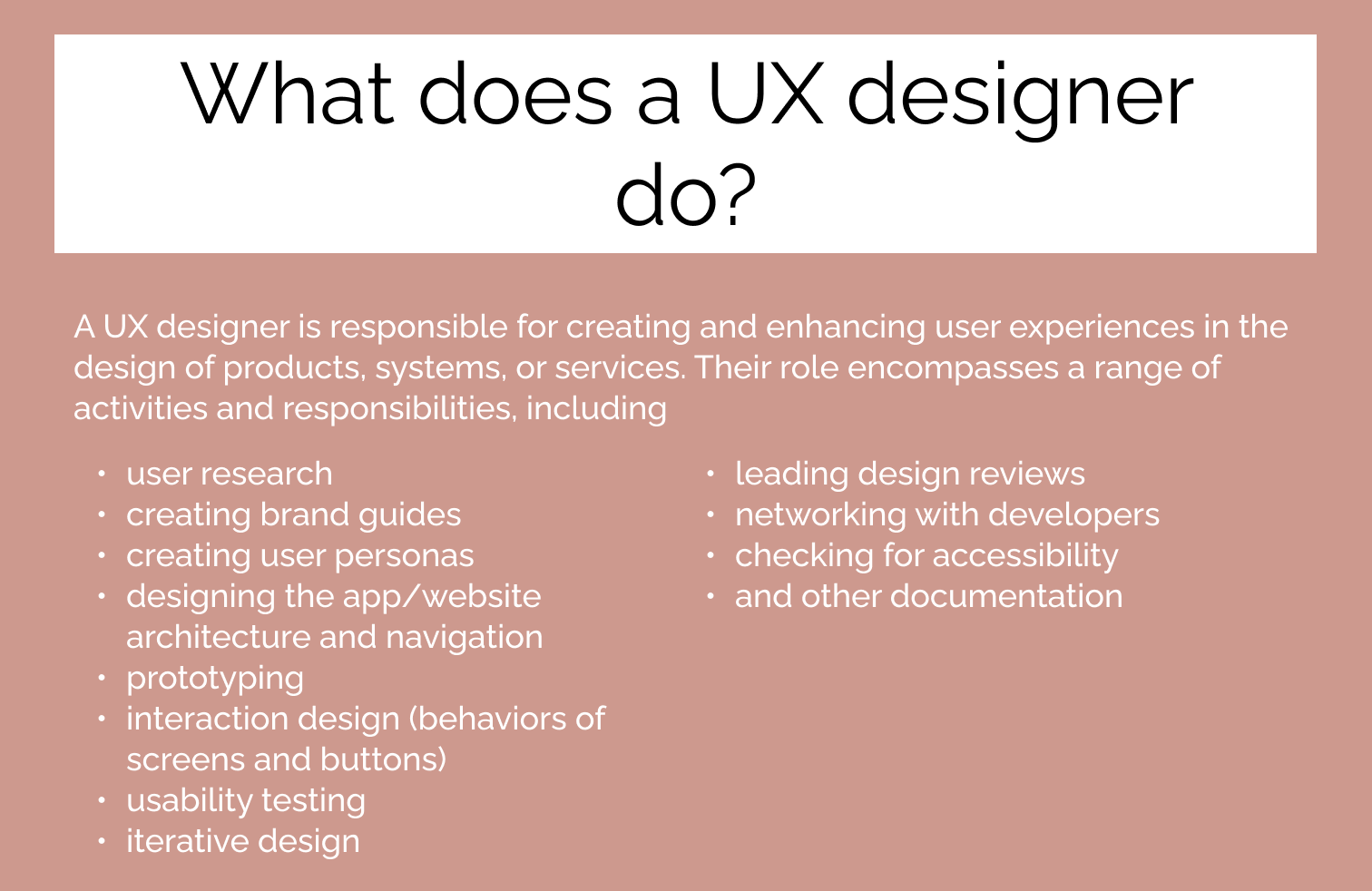
Example of some of the questions answered in the UX FAQ
UX Design Assets
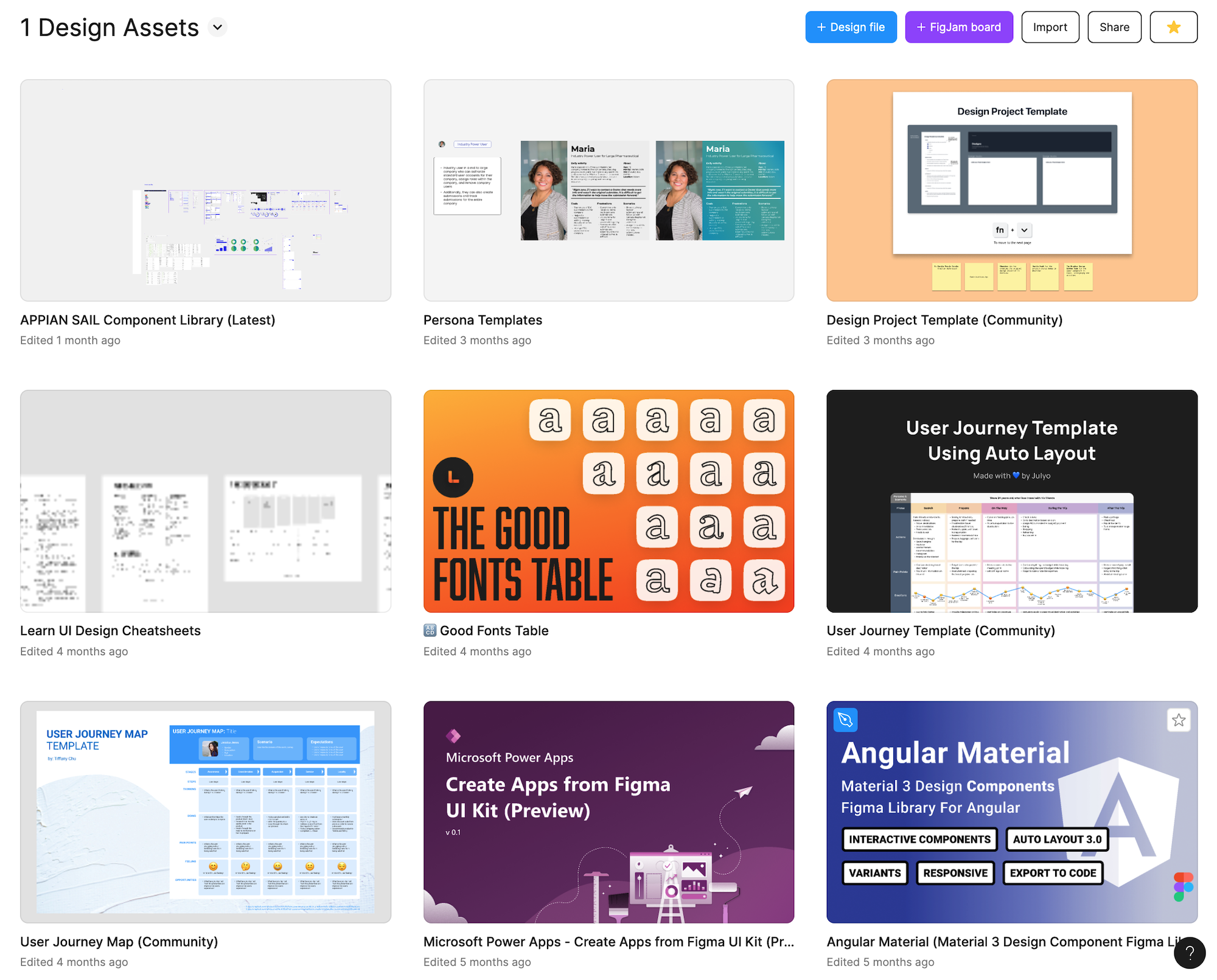
One of my favorite things about Figma are the community templates. To keep some of our favorite and most used handy, such as low code components for Appian or other design systems, I created a home for them in Figma. Plus, it gives us a place to store the ones we create so we can share them amoung the teams.
UX Case Studies
To help illustrate how UX works in actual projects to internal team members, I created three case studies. These are also for use on proposals and were the basis for the UX Case Studies I created in my UX Portfolio.
Three case studies in Figma.
Tip: click on a case study and hit “F” on your keyboard to open it in full screen mode.
02
Proposals
Precise is a growing company, so proposals are a part of my role as a UX Lead. I’ve created language around UX practices at Precise with examples for proposals, crafted diagrams, fine tuned presentations, and presented on-site for final round proposal bids.
Proposal HCD Resource File
While I often create specific language to answer questions on proposals, we realized Precise needed some quickly accessible, standard language and diagrams to describe our view of UX and processes. To this end, we created a HCD master file for the proposal team and update it as we write answers for new proposal questions.
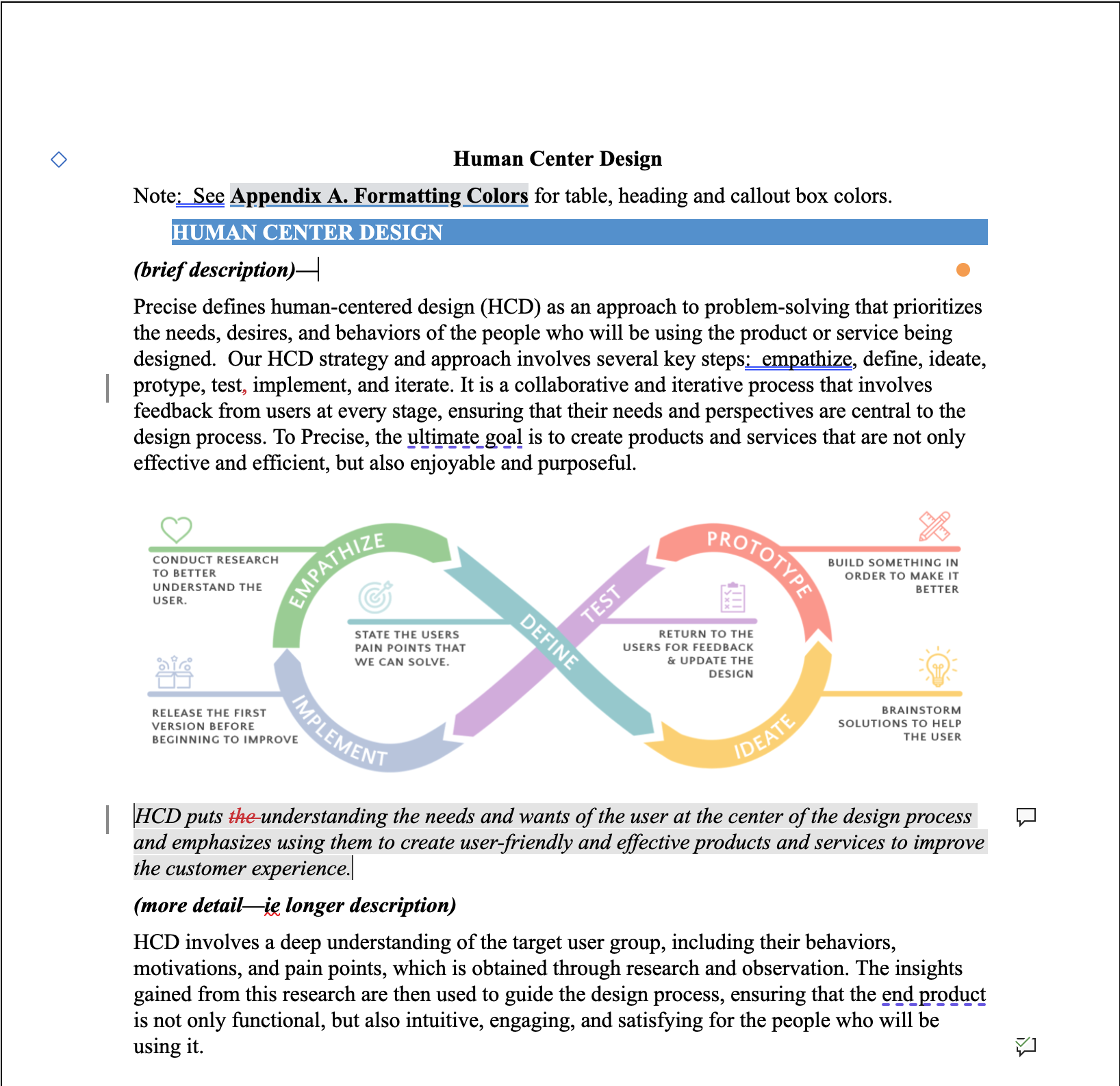
The beginning of the proposal file
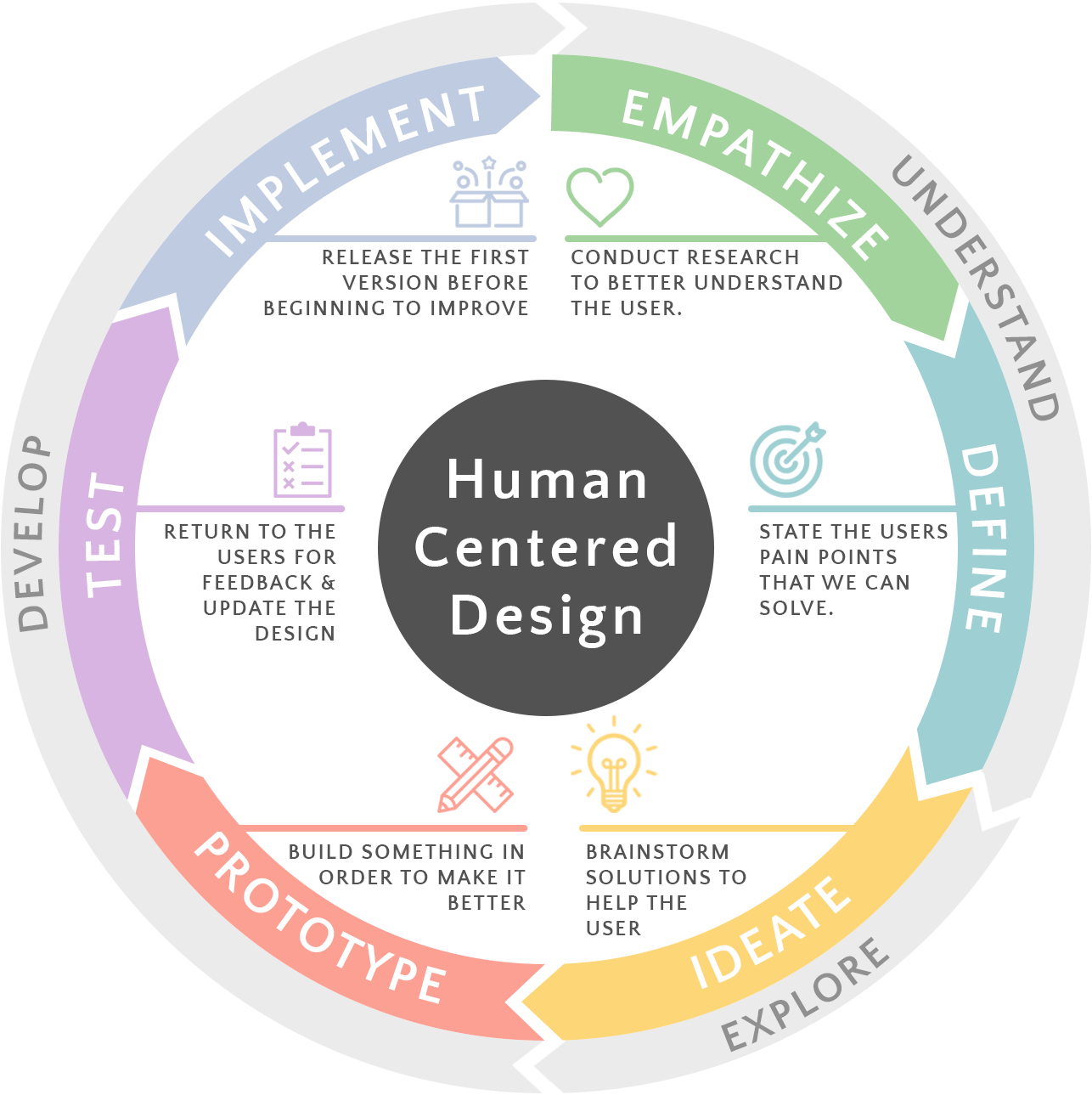
One of the HCD designs I created for proposal use
Presentations
While I have made new master templates for PowerPoint, and cleaned up innumerable PowerPoint slides to make the consistent with brand colors, fonts, and images, I have also participated in proposal presentations, including a memorable one for the SAFHER project.
For the SAFHER proposal, we had less than three weeks to create TWO prototypes in different low-code platforms. I created mockups and worked with both teams of developers on implementations while also creating PowerPoint slides and rehearsing before traveling to deliver the presentation along with my Precise teammates for a successful proposal!
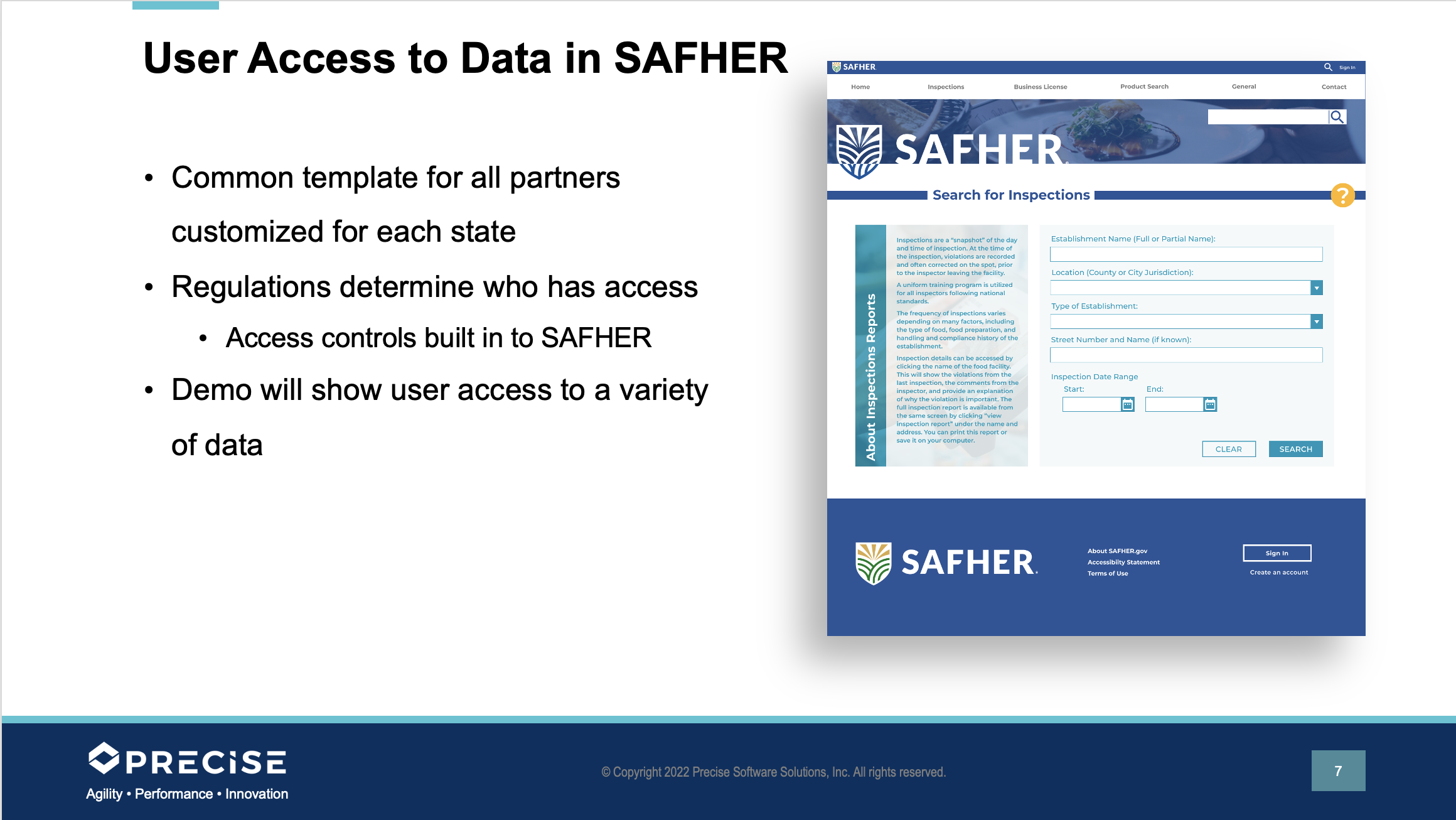
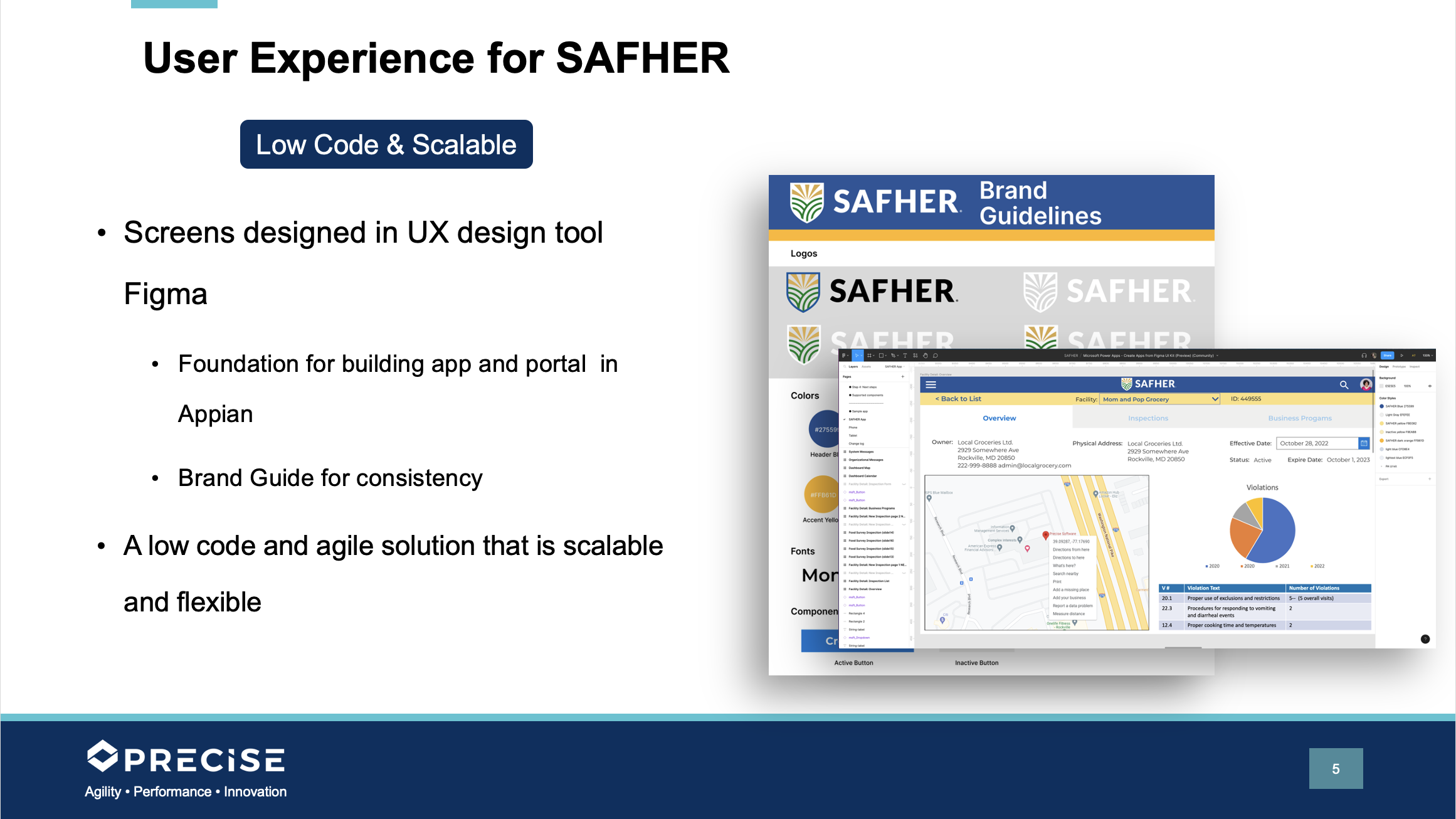
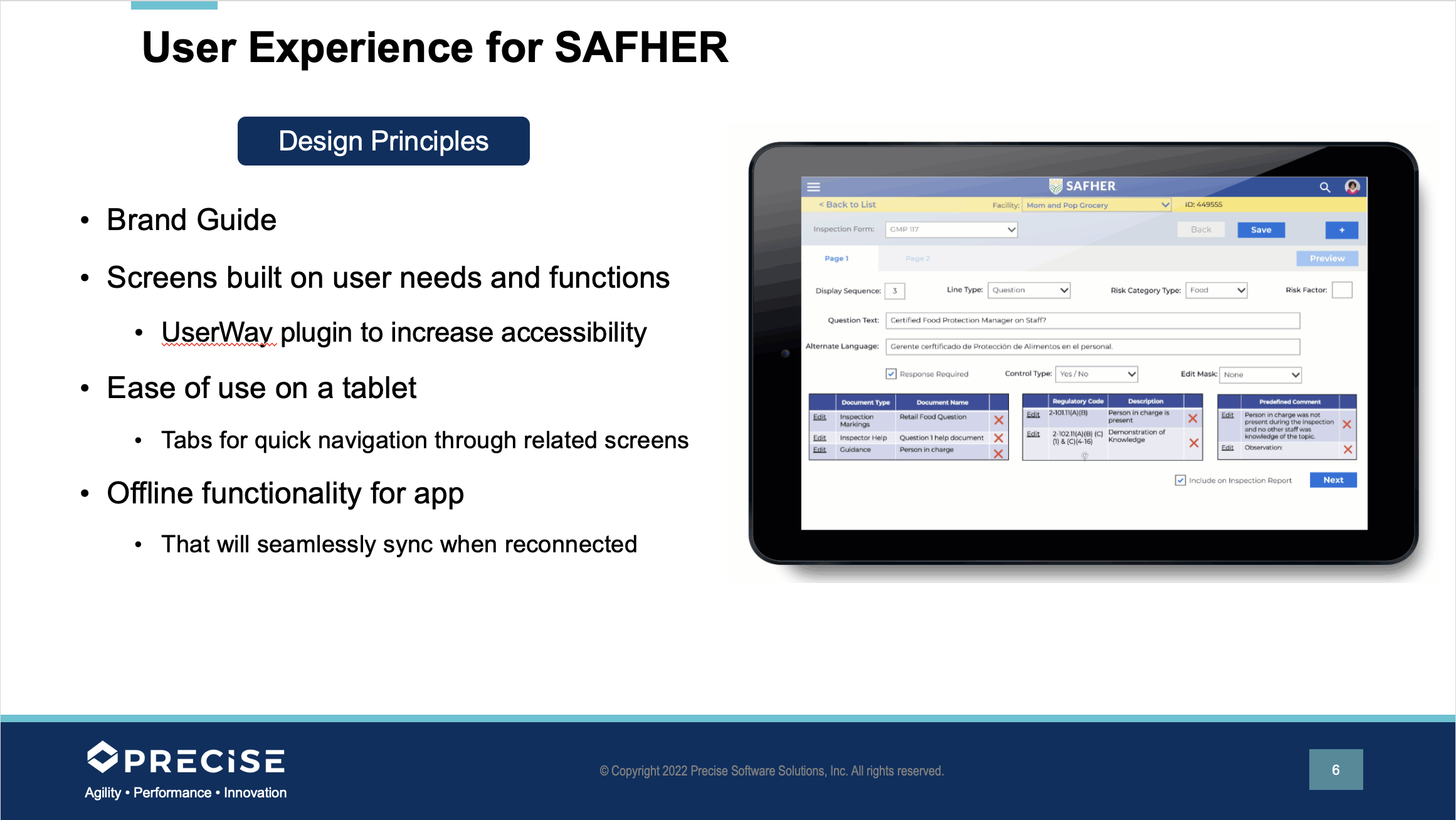
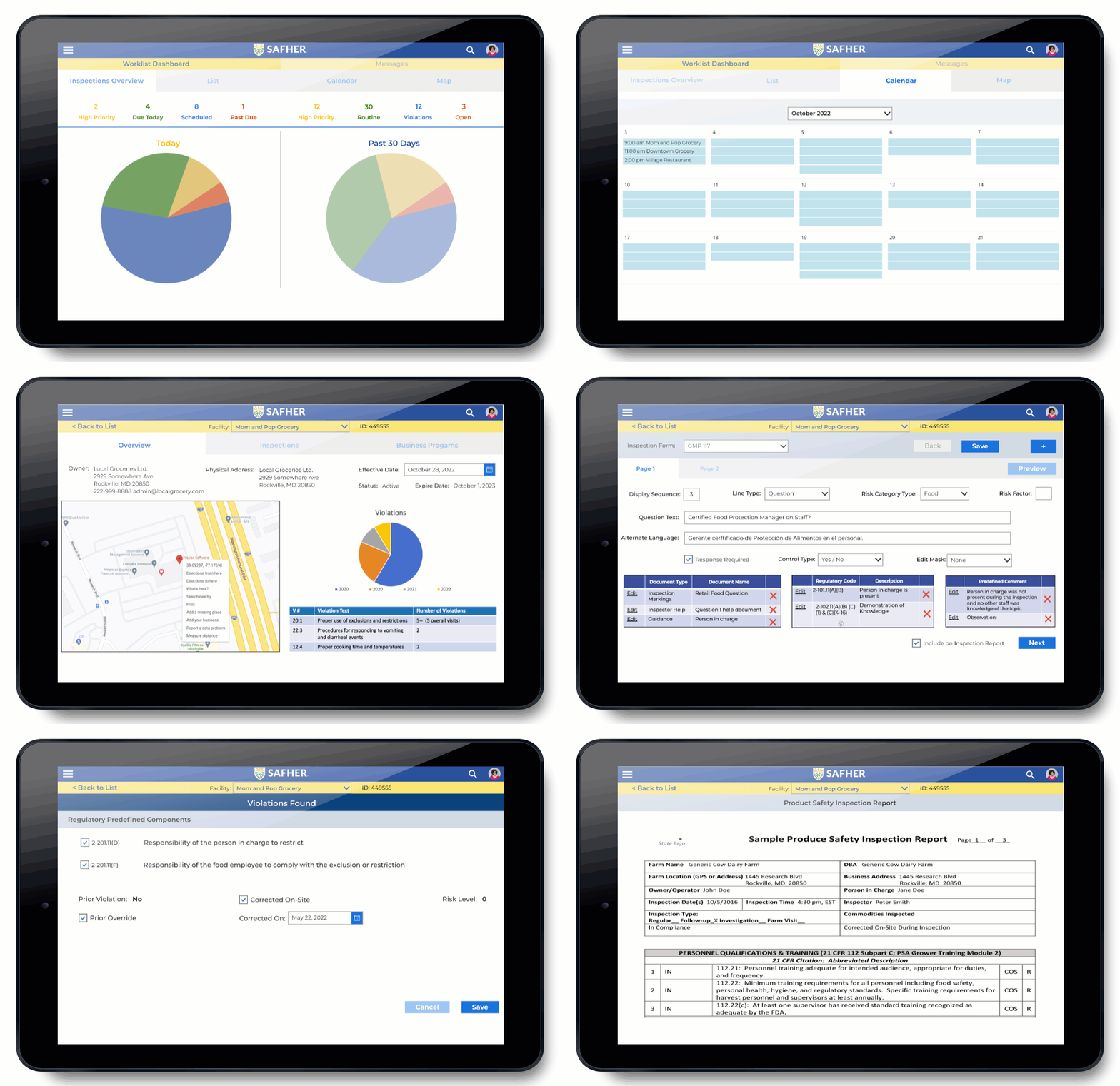
Some of the presentation slides and a GIF of the screens created for the proposal prototype.
Diagrams
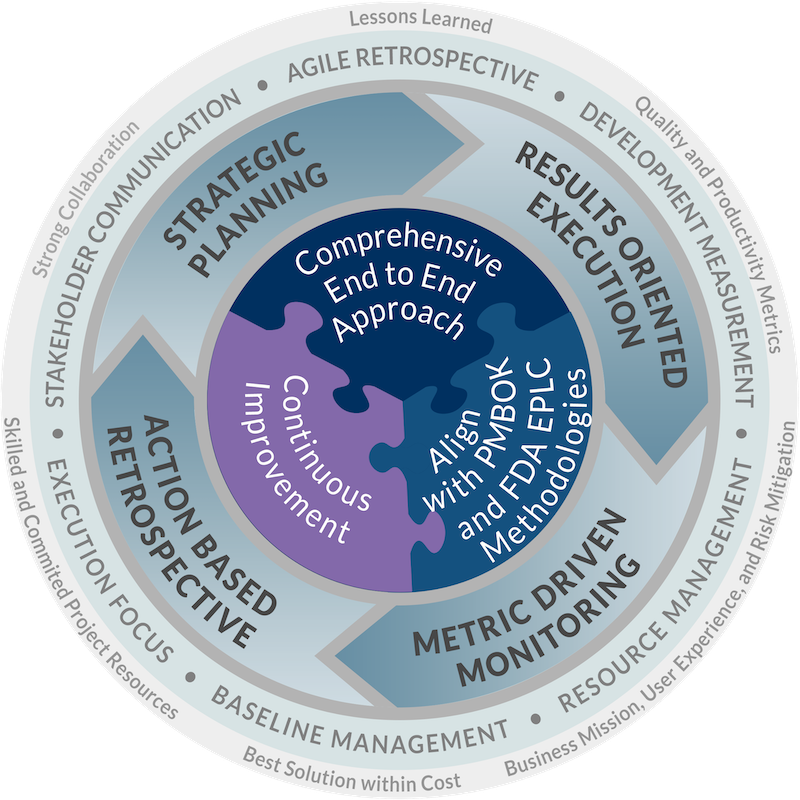
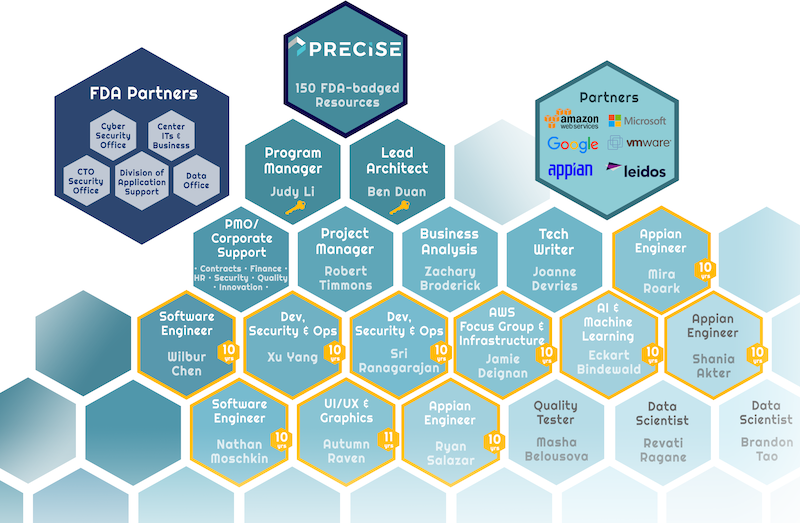
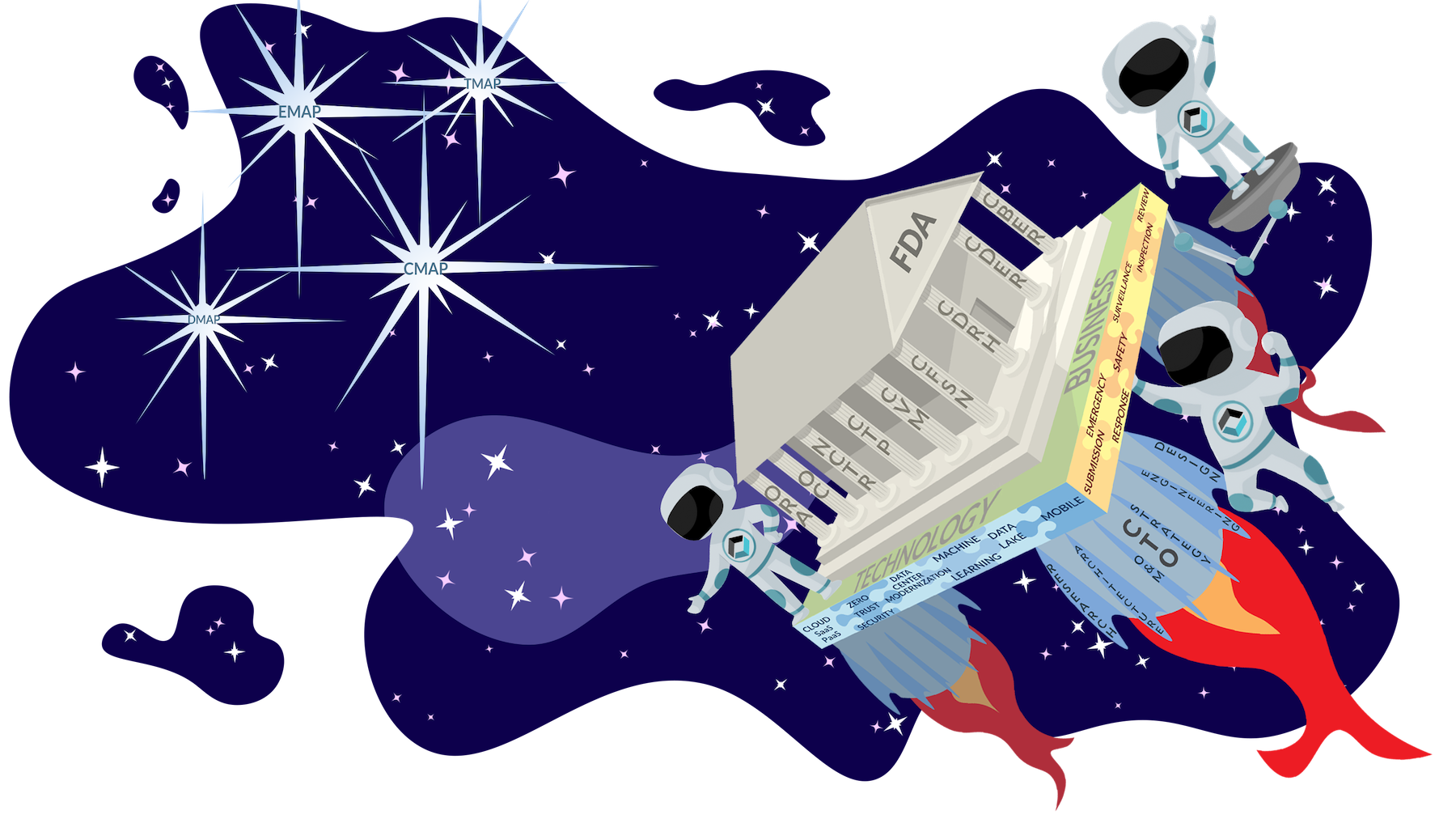
As a part of presentations or proposals, I’m often asked to lean on my graphic design background to create or clean up diagrams or simply spruce up a Frankenstein of a PowerPoint deck.
Here are a selection of graphics I’ve made for use across Precise.

03
Mentoring & Hiring
Precise has been working to grow its UX team. We’ve run announcements for four UX positions and had one graphic design/marketing intern since I started at the company. Plus, there have been several opportunities for cross training to spread UX abilities and processes to current employees.
Design Tag-ups
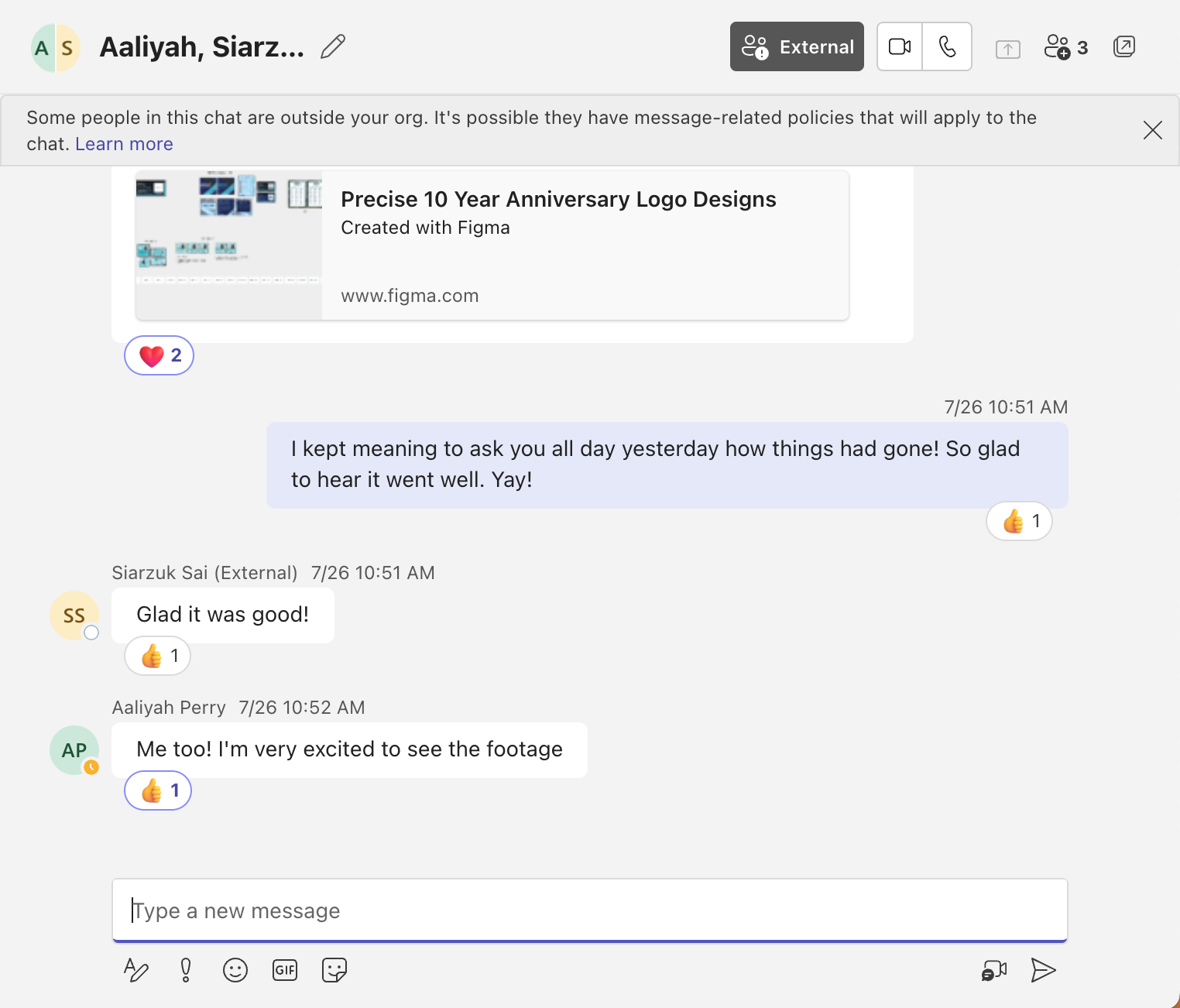
As well as spontaneous, as-needed tag-ups amoung designers across teams, I host a Monday early afternoon Design Tag-up session where we can talk design, design trends, and bring up our projects for feedback and to share what Precise is doing. Plus, we keep an active Teams chat to support and help each other and a Teams channel to store design assets.

Siarzuk
UX Designer
Aaliyah
Intern
UX Interviews
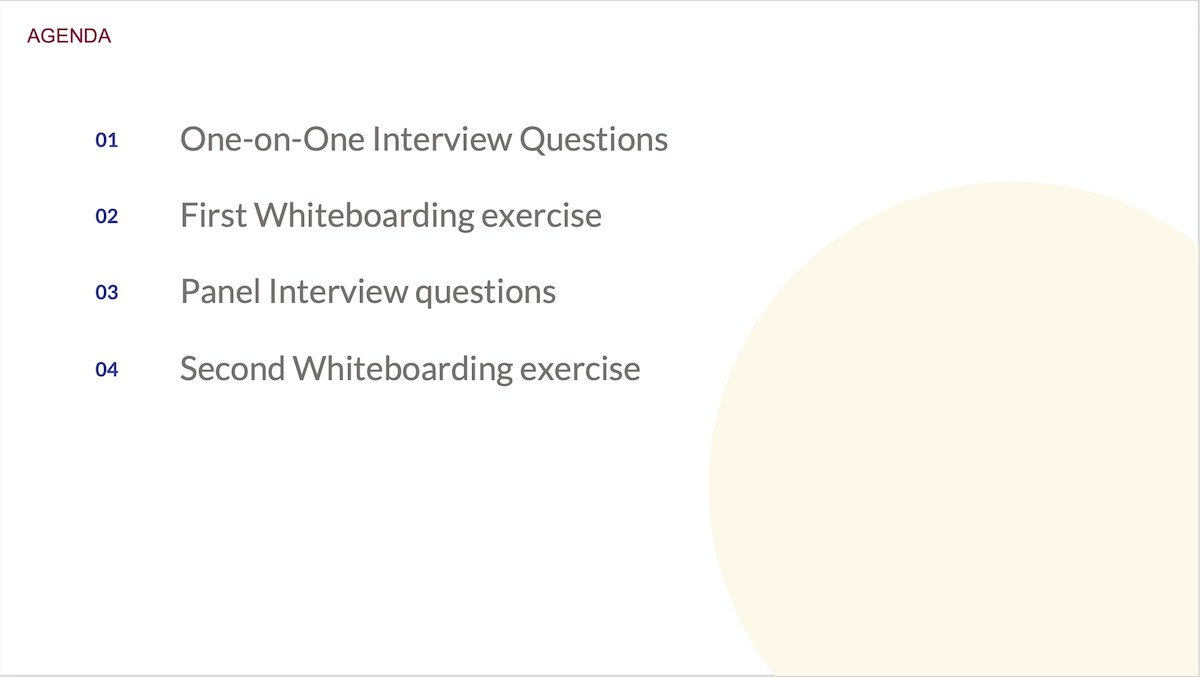
Besides reviewing resumes and UX portfolios, I conduct the first one-on-one interview for UX positions and lead a second panel interview.
To keep things fair and organized, I have a PowerPoint with set questions and whiteboarding exercises.

Cross Training
The great thing about UX design is that it is a way of thinking and series of steps that anyone can learn. UX designers come from all backgrounds, so current Precise employees in any role and learn UX and add it to their skills. I’ve cross trained personel from several teams on UX, providing support and feedback as they developer their UX skills.

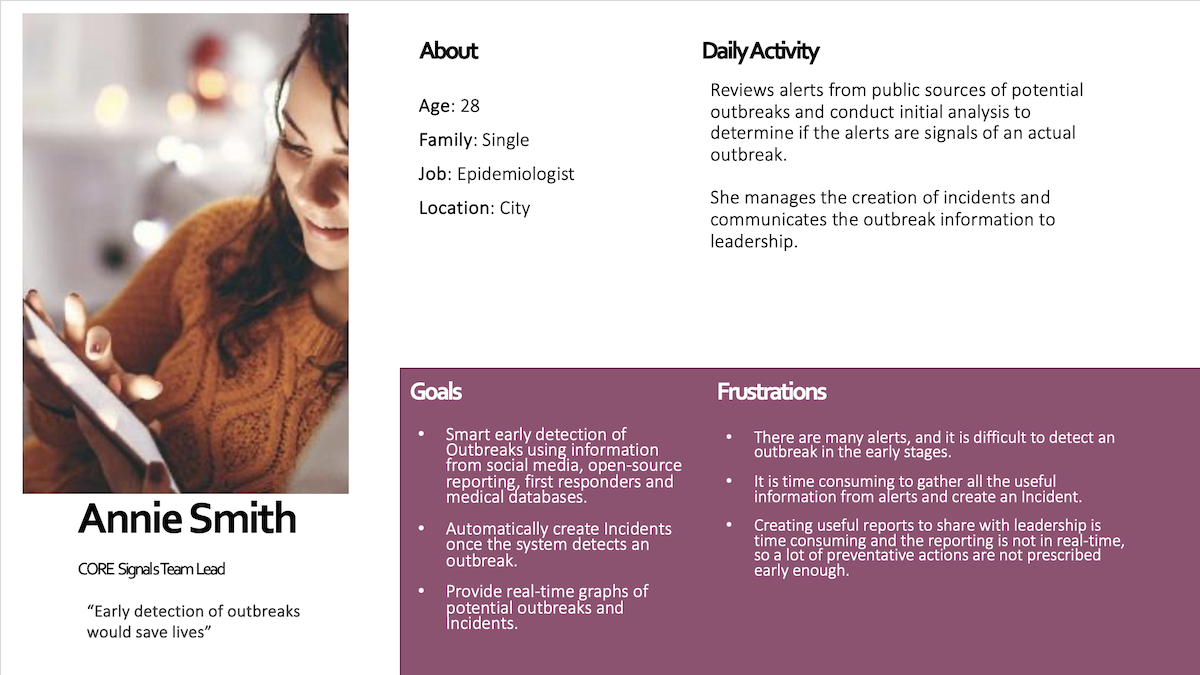
Personas developed by cross trained team members